
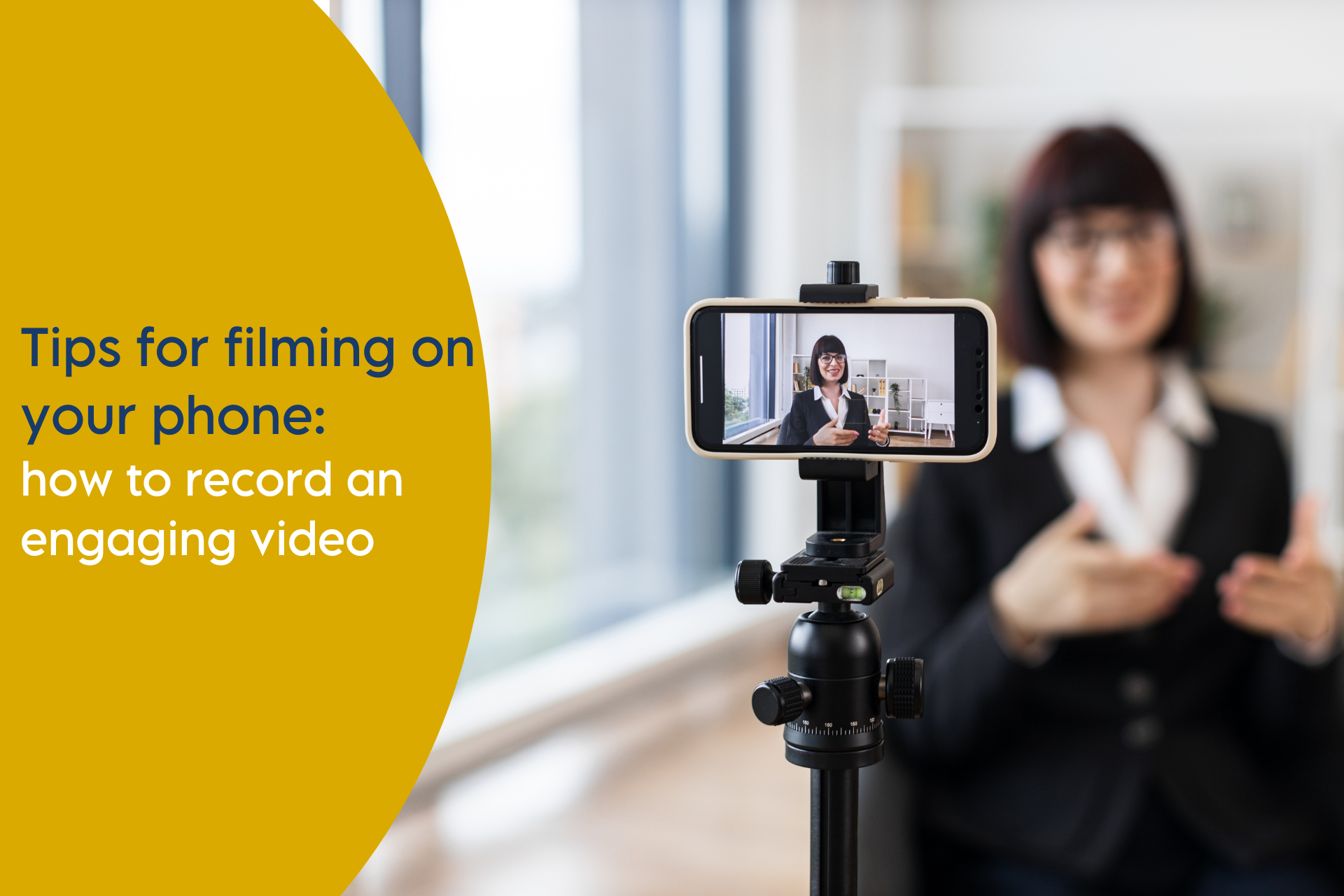
Tips for Filming on Your Phone: How to Record Professional Video on iPhone
Rise above the online noise, boost engagement and build your profile.
Online video gets far more engagement than static content, helping you to get noticed and your message heard. Upskilling your team for in-house video production can give you a significant return on your marketing investment.
Video is a top performer on social networks, holding user attention for longer and leading to increased shares. On LinkedIn alone, video gets up to five times more engagement than static posts. People like watching it so algorithms prioritise it. But can your team deliver the content you need?
It’s now easier than ever…if you know how. Today’s smartphones have impressive video capabilities and getting the most from them is no longer the preserve of professionals. With a bit of know-how, anyone can learn how to film a video on your phone that holds attention and builds trust with an audience.
Below are our essential tips for filming on your phone:
1. Consider Lighting
Today’s phones perform well in low light but still struggle if it’s too dark so better lighting can brighten your image. Whatever is lighting your space – sunlight, room lights or your own video lights – make sure the people in shot have more light on them than the background. If you film people with a bright screen or window directly behind, they may appear in silhouette. Natural daylight can be really flattering, but direct sunlight can make people squint and casts harsh shadows. If filming outside on a sunny day, choose a shaded area.
Tips for filming on iPhone with better lighting:
- Make sure the subject is brighter than the background
- Avoid filming with windows or bright screens behind you
- Use natural daylight where possible, but avoid harsh direct sunlight
- When filming outdoors, choose shaded areas for softer, more flattering light
2. Don’t forget about sound
Good sound is essential when recording video on your phone. In a nice quiet spot, your phone’s built-in mic will be fine but if filming outside or at a work event, and there’s lots of background noise from traffic or people, adding a simple smartphone wireless lapel mic will serve you well. Not only is it much closer to the person speaking, it’s also directional and so doesn’t pick up the background hubbub.
iPhone video recording tips for better sound:
- Film in quiet environments wherever possible
- Use a smartphone lapel mic for outdoor or busy locations
- Keep the microphone close to the person speaking
3. Hold the phone steady
Modern phones are image stabilised but adding some extra stability is always helpful. For filming yourself, you might want a selfie-stick. Or if interviewing somebody else, putting the phone on a lightweight tripod makes it easier to engage in conversation and make sure you keep the subject in shot at the same time. You could even just rest the phone on a bookshelf. And if you want some really silky-smooth cutaway shots, a smartphone gimbal can add a lot to the production value.
Tips for steady video recording on iPhone:
- Use a tripod or stable surface when filming
- A selfie stick works well for solo filming
- For movement shots, consider a smartphone gimbal
4. Think about framing
Many people make the mistake of only thinking about the people in shot but not of the camera angle and everything else in the frame. There’s nothing less flattering than that ‘close-to-camera-up-the-nostril-shot’. There are no hard rules on framing but it’s useful to bear in mind the following pointers.
First, make sure the camera is level with the subject’s eyeline so that they’re not looking down. Leave just a little space above their head (but not too much) and place them on the left or the right of the screen and looking in. For a flattering look, frame them either head-and-shoulders only, or from the waist up.
Second, look at the surroundings and change if necessary. For a serious look, think about filming in front of a bookcase. If you’re after a more relaxed vibe, head for the sofa. Get rid of any clutter, like cables or rubbish, and consider adding something to freshen up the scene, like a plant or flowers.
Filming tips for iPhone framing:
- Position the camera at eye level
- Leave a small amount of space above the head
- Film head-and-shoulders or waist-up shots
- Place the subject slightly to one side, looking into the frame
- Consider what’s in the background. Remove clutter and add subtle visual interest to improve the overall shot.
5. Camera settings to get the most from your phone
There are some ever more professional settings available nowadays, like cinematic video mode, but most importantly, we’d advise filming in 4K, which will allow you to crop the image after without sacrificing resolution.
Tips for phone settings for recording video on iPhone:
- Film in 4K for maximum flexibility during editing
- Lock focus and exposure to avoid changes mid-shot
- Avoid unnecessary filters – clean footage works best
These settings give you more control and improve final quality.
6. Editing your footage
Once finished filming you’ll want to do a basic edit, maybe adding some branding and subtitles, to get ready for publication. That’s also never been easier with AI powered tools like Canva, Capcut or Veed.
It may feel like a lot to take in at first, but with a little training and some practice anyone can learn how to film on your phone confidently. By applying these phone filming tips and you can create high-quality content without professional equipment.
At Freshwater, we train organisations to deliver video content for digital channels. If you’re looking to upskill your team, get in touch via hello@freshwater.co.uk or call 029 20 30 40 50.